
How to Set Up a Zoho Forms Intake Form and Connect It to Zoho CRM
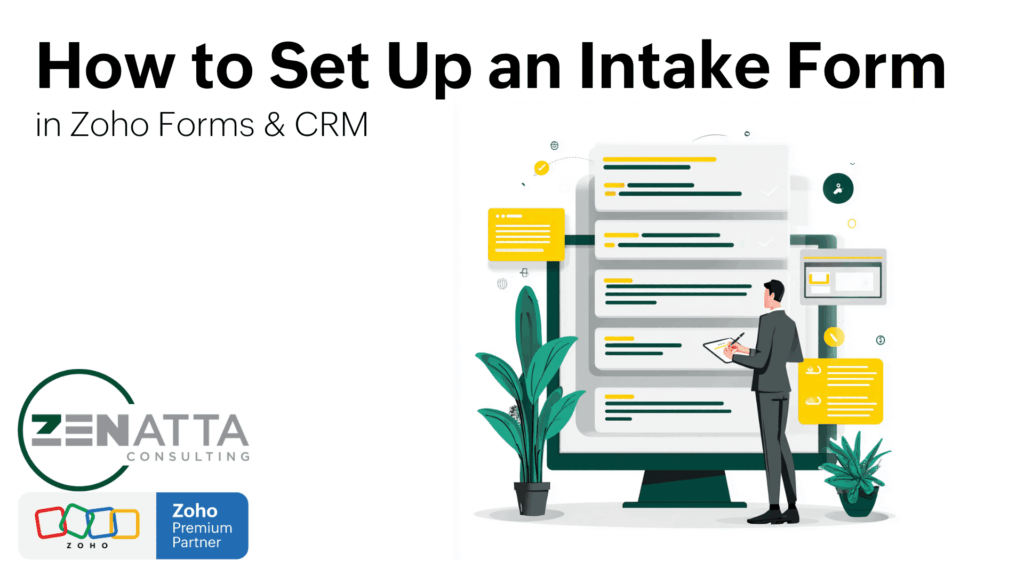
This tutorial walks through how to create a basic intake form in Zoho Forms, connect it to Zoho CRM, and embed it on your website. The video uses a newsletter signup as the example, but the same setup can also be used for contact forms and other lead capture workflows. What You’ll Build A basic […]
How to Use Dynamic Prefill in Zoho Forms with Webhooks and CRM Integration

Zoho Forms just became a whole lot more powerful. With its new dynamic prefill feature, you can now auto-populate form fields based on a real-time lookup to Zoho CRM or any external database—all without URL parameters or complex workarounds. In this tutorial, we’ll walk you through how to implement dynamic prefill using webhooks and authenticated […]
7 Zoho Forms Best Practices
If you’ve ever found yourself juggling multiple forms or getting bogged down with clunky workflows, you’re not alone. Zoho Forms offers a plethora of features designed to simplify data collection, automate processes, and improve overall efficiency. But like any powerful tool, knowing how to use it effectively is key to unlocking its full potential. In […]
Zoho Forms New Features: Month/Year Field, Embed Field, and Enhanced Theme Builder

Zoho Forms just introduced three exciting new features—Month/Year field, Embed field, and an upgraded Theme Builder—available to all users. These additions have yet to be officially announced, but they’re already live and ready to use. Here’s a detailed look at what each feature offers and how it can improve your Zoho Forms experience. 1. Month/Year […]
What are UTM parameters, and how to use them with Zoho
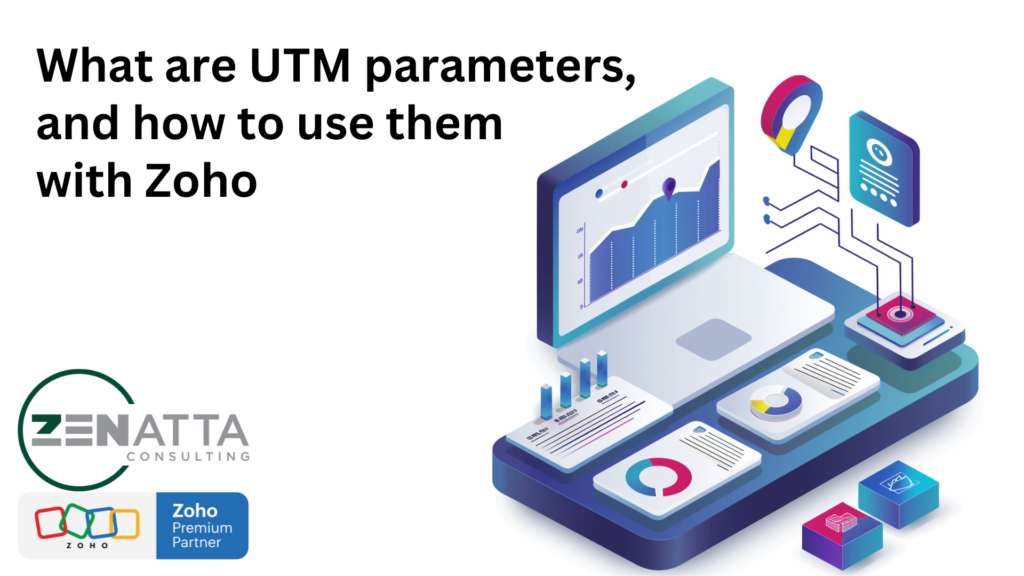
So what is a UTM parameter? UTM parameters, also known as Urchin Tracking Module parameters, are a way to track the effectiveness of online marketing campaigns across traffic sources and publishing media. They were originally introduced by Urchin Software Corporation, a company founded in 1995 that developed web analytics software. Google acquired Urchin Software Corporation […]
Zoho Forms vs. Gravity Forms: Which is Better?
Forms, in our opinion, are one of the most overlooked components businesses utilize. They play such a vital role in any organization, yet oftentimes, only tapped into the most basic of their capabilities. With that being said, out of all of the form solutions out there, Zoho Forms & Gravity Forms are the two most […]
How To Create Multiple Associated Records With One Zoho Form
Have you ever had a form come through with information that crosses records? In this tutorial, Tom walks us through how to create multiple associated records with just one Zoho Form. Using Zoho Flow you can automate this process! Key Takeaways Set Up The Initial Integration To start, we first need to set up the […]
5 Overlooked Zoho Applications

The Third Annual Zenmys rounded up your favorite Zoho applications from 2022. The winners include Zoho CRM, Analytics, Cliq, Creator, and WorkDrive. While we do agree that these are amazing applications, there are some other top applications that didn’t grab a Zenmy this year. Here’s our picks for the most underrated Zoho applications! Zoho Flow […]
Using “Field Alias” To Prefill A Zoho Form

In this tutorial, we cover how to prefill a Zoho Form in two parts. The first part is using “Field Alias” inside Zoho Forms to capture the data, and the second is then applying that to an email inside Zoho CRM.
How To Link A Lead Record Upon A Zoho Form Submission In An Email
In this tip, Wayne walks us through how to link a lead record to an email after receiving a Zoho Form submission. This is an efficient way to see when new leads come in from your form! Key Takeaways Build a Zoho Form Create an Email Template Generate a Workflow Test Everything! Time to test […]