Building Customized Business Solutions with Zoho Creator
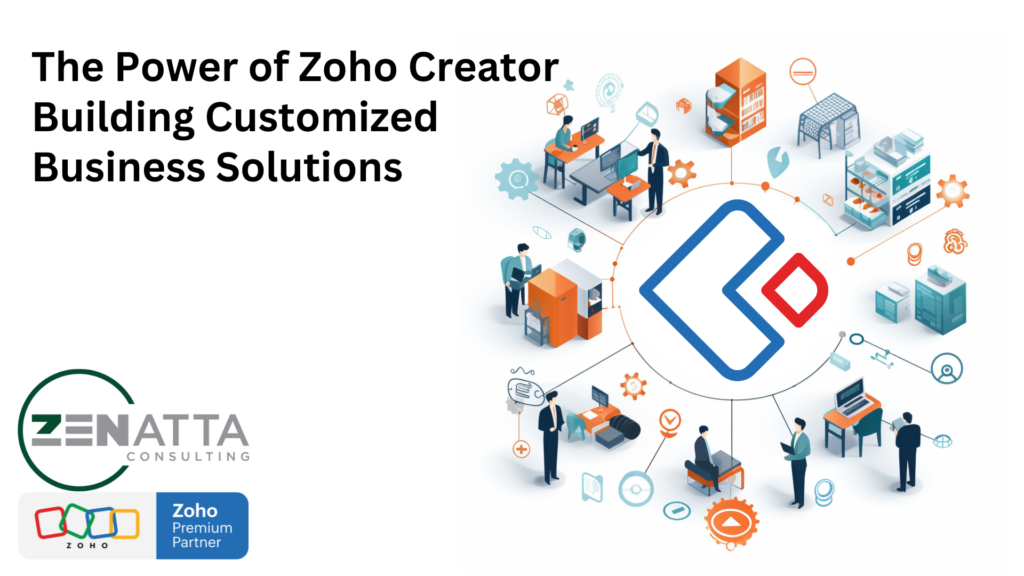
Businesses constantly seek innovative ways to streamline operations, optimize processes, and gain a competitive edge. However, many off-the-shelf solutions lack the flexibility and customization needed to cater to the unique needs of individual businesses. This is where Zoho Creator, a low-code application development platform, stands out as a powerful tool for creating customized business solutions […]
Marketing Automation 2.0 Full Product Overview
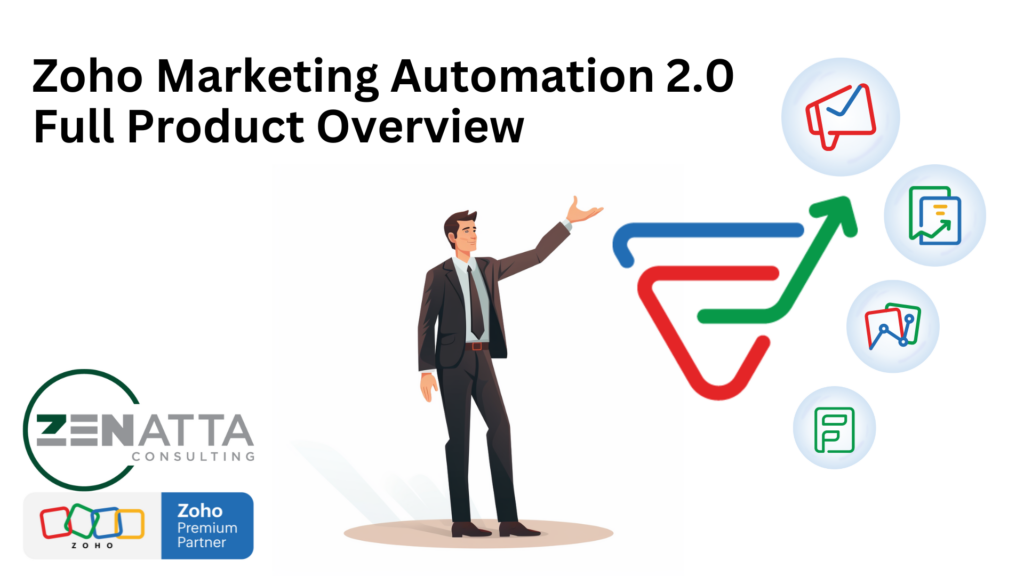
Welcome to our deep dive into Zoho Marketing Automation 2.0! In this webinar, we do a complete deep dive into all the features included in this multifaceted tool. Product Overview In the video, we took a comprehensive look at the features and settings of Zoho Marketing Automation 2.0. Here’s a breakdown of what we covered: […]
Crack the Code: Mastering Zoho Creator Standalone Functions

This advanced guide is designed to not only boost your coding prowess within Zoho Creator but also to enhance the flexibility and efficiency of your applications. Let’s help you master standalone functions in Zoho Creator. Audio Podcast What are Standalone Functions? Standalone functions in Zoho Creator are independent blocks of code that you can invoke […]
How Much Can You Save By Switching To Zoho One?
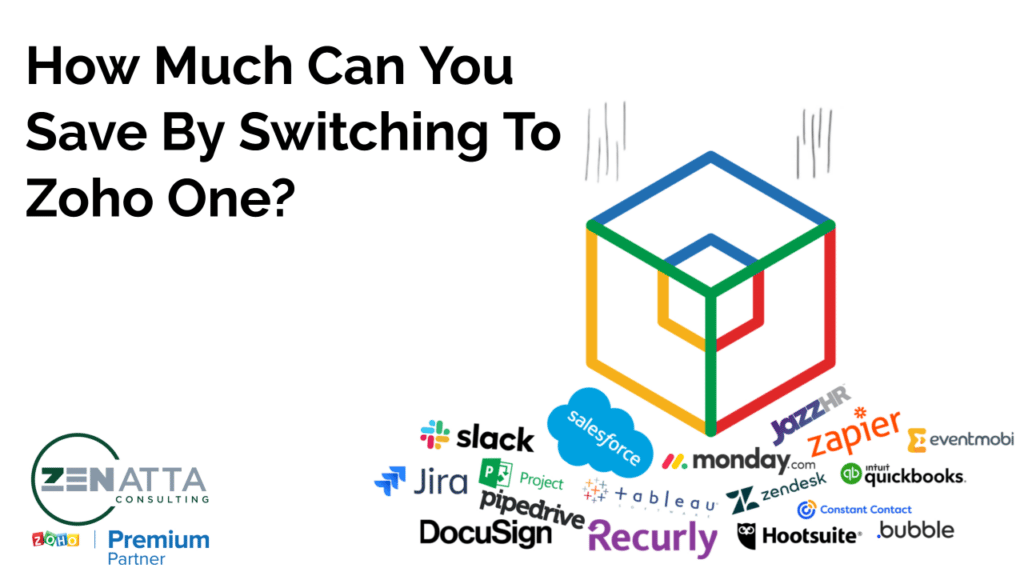
As the new year begins, many businesses are seeking to consolidate their software applications and streamline their operations. While many often focus on the CRM when switching from one platform to another, Zoho One offers a comprehensive solution that goes beyond CRM. With Zoho One, you can replace a multitude of disparate tools with a […]
Zenatta 2023 Year-In-Review

Zooming ahead, 2023 was a landmark year for us at Zenatta. With over 150 new clients joining our family, our community grew stronger and more diverse. Earning the title of #1 Partner in the Americas wasn’t just an achievement; it was a testament to our team’s dedication and the trust our clients place in us. […]
EV+ – Case Study
EV+ – Zoho CRM & Analytics Modernization Case Study Industry: EV Charging & Commercial Real Estate | Location: New York, USA | Team Size: 10+ Apps: Zoho CRM, Zoho Analytics, Zoho Forms 5x Increase in Deal Flow 2024 Sales Goal Achieved End-to-End Partner & Service Tracking Executive Summary EV+ is an EV charging company that […]
Our Top 10 Zoho Implementations For 2023
If you watch the CRM Zen Show, you know that we share a new custom Zoho implementation we did for a client every week. Of the 52 implementations this year, here are what we thought were the top 10 for 2023. XML Related List in CRM to Show Purchase Orders Related to a Deal Automatic […]
Our Team’s Favorite Zoho Updates For 2023
Ever feel like Zoho’s update train is moving so fast you can barely keep up? Every year is like a bullet train of updates, with many passing by so fast we don’t even catch them. But which updates are the real MVPs? We figured with the broad spectrum of expertise on our team, we’d ask […]
End-of-Year System Review for Zoho CRM
As the year draws to a close, ensuring your Zoho CRM is optimized for peak performance is crucial. A systematic review can enhance efficiency, data integrity, and user experience. Let’s dive into the key areas our team put together to focus on. De-duplicate Contacts and Accounts Duplicates in your CRM can lead to confusion and […]
Our 10 Favorite WordPress Plugins – 2023

Another year, another batch of WordPress plugins. Here are our top picks for 2023! (And no, they aren’t in any particular order) 1. ZPortals When it comes to client portals and Zoho, one reigns supreme – ZPortals. This WordPress plugin is easy to configure and integrates with all the main core Zoho applications. If you […]