
How to Set Up Profiles, Roles, and Sharing Rules in Zoho CRM
This tutorial explains how Zoho CRM profiles, roles, organization-wide sharing settings, and sharing rules work together to control access. The goal is to help you create a cleaner, safer CRM setup where users can do their jobs without seeing or changing more than they should. What You’ll Learn Profiles vs roles: How Zoho CRM separates […]
How to Track Paid Ad ROI in Zoho CRM and Zoho Analytics

This tutorial walks through how to connect Google Ads spend to Zoho CRM outcomes using UTM campaign tracking, Zoho Analytics, a SQL union table, and aggregate formulas. The end result is a reporting model that lets you measure leads, deals, revenue, profit, and true return on ad spend from your paid campaigns. What You’ll Build […]
How to Set Up a Zoho Forms Intake Form and Connect It to Zoho CRM
This tutorial walks through how to create a basic intake form in Zoho Forms, connect it to Zoho CRM, and embed it on your website. The video uses a newsletter signup as the example, but the same setup can also be used for contact forms and other lead capture workflows. What You’ll Build A basic […]
Zoho CRM Blueprint Tutorial (2026): How to Build a Deal Stage Process With Transitions, Required Fields, and Automations
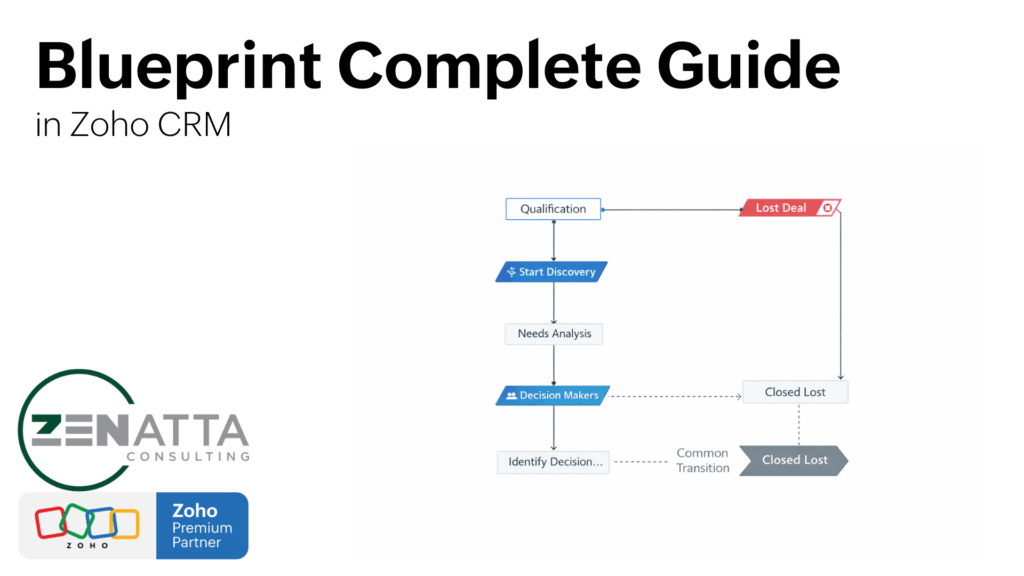
Blueprint Essentials (What You’ll Build) Blueprint ties to a picklist: Most commonly the Deals → Stage field (Blueprints require a picklist field). States + transitions: Drag stage values into a flow and define how users move between them. Before / During / After: Control who can click, what they must enter, and what automates after […]
Zoho Expense: Overview, Pricing & Workflow Guide (2026)
Why Businesses Use Zoho Expense Receipt Capture: Snap and store receipts instantly via desktop or mobile. Automated Approvals: Route expenses through configurable workflows. Policy Enforcement: Set reimbursement limits and submission rules. Accounting Sync: Automatically push approved expenses to Zoho Books. Watch the Full Zoho Expense Demo What Is Zoho Expense? Zoho Expense is an expense […]
How to Automate Deal Stages in Zoho CRM
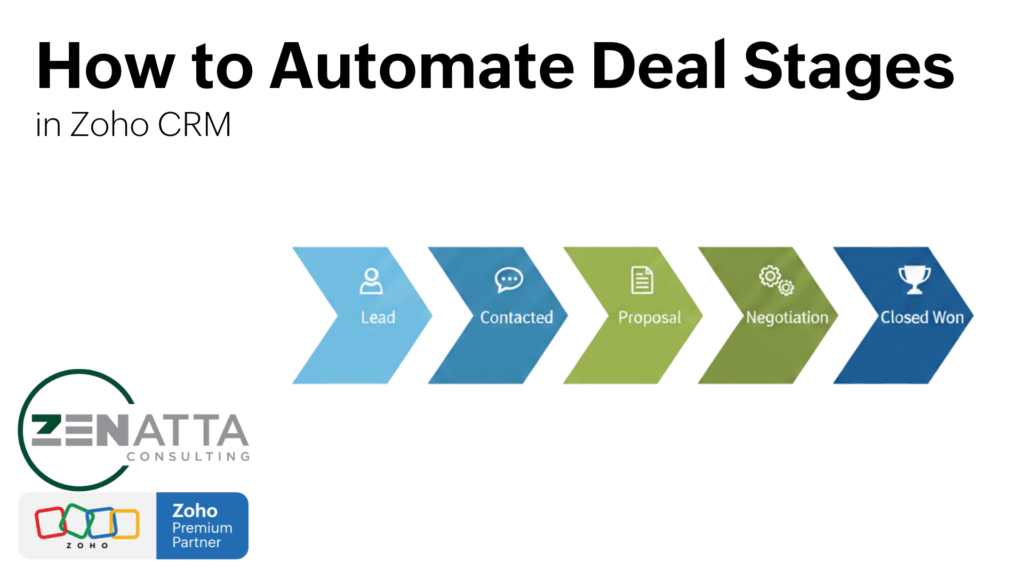
Pipeline Automation Essentials Trigger on Stage changes: Use an On Edit workflow rule on the Deals module when the Stage field is modified. Automate follow-up tasks: Create time-based tasks (e.g., +3 business days for “Needs Analysis” or +1 day for “Identify Decision Makers”). Send conditional alerts: Email leadership when a deal is Closed Won AND […]
Zoho WorkDrive 2026 Overview
WorkDrive Essentials Team Folders: The core of WorkDrive. Move away from “My Folders” to ensure collaborative continuity. Permissions: Use private team folders by default to prevent “content overload” and protect sensitive data. Zia AI: Instantly generate drafts (like policies or contracts) directly within your folder structure. Activity Logs: Gain granular visibility into every file edit, […]
Understanding Zoho CRM Deals
Why Use Deals? Revenue Tracking: Attach a dollar amount and closing date to every opportunity. Probability Weighted Pipeline: Automatically calculate “Expected Revenue” based on the current sales stage. Communication Hub: Link every email, call, and meeting to a specific revenue-generating event. Churn Reduction: Use historical “Stage History” data to identify where deals fall off and […]
Workqueue for Zoho CRM: Stop Module Hopping
Why Use Workqueue? Consolidation: View tasks, meetings, calls, and blueprint jobs on one page. Custom Queues: Pull in custom views from Leads, Deals, or any other module. Blueprint Visibility: See every record waiting for a “transition” (approval or next step) in one spot. Action-Oriented: Designed to help teams “clear the queue” based on specific business […]
Zoho CRM Custom Fields
Key Takeaways Group with Sections: Use the “New Section” tool to make records digestible for users. Context is King: Use specialized fields (Email, Phone, URL) to enable native UI features like click-to-dial. Mapping Strategy: Create fields in the Leads module first to leverage automatic conversion mapping. Clean Data: Use Rollup Summaries and Formulas to automate […]