
Unlimited Team Access.
Get lifetime access to every Zenatta Team Training course for your entire team: CRM, Books, Projects, Desk, Campaigns, Marketing Automation, and more. One price. No renewals. Unlimited users forever.

Train your whole team.
One flat price.
Lifetime access to every Zoho course we make, for your entire team. No renewals, no per-seat fees, unlimited members forever.
All-Access Bundle
CRM, Books, Desk, Marketing, and Projects. Everything your team needs, in one purchase.
Course Curricula
See exactly what's covered.
Browse the full lesson plan for each course. Lessons marked Preview let you watch a sample before you buy.
A complete 7-day administrator program. Set up, customize, automate, and get your whole team proficient in Zoho CRM.
- Welcome to the Zoho CRM Training Program!1:09Preview
- Invite Your Team: Zoho CRM Team Training1:34Preview
- Team Training Strategy
- The Plan for Day 1: Get the Administrator Checklist1:38
- Block Off Time for the Program0:32
- Checklist Item 2: Setup Your Email IMAP7:28
- Understanding Zoho CRM Email9:31
- Checklist Item 3: Adding DKIM and SPF Records4:29
- Checklist Item 4: Add Your Email Signature2:19
- Checklist Item 5: Add a System User6:04
- Checklist Item 6: CRM Admin Role and Profile2:12
- Checklist Item 7: Understanding Roles & Profiles29:51
- Checklist Item 8: Invite Your Team to Join Zoho CRM6:47
- Checklist Item 9: Send Standard Users Their Onboarding Checklist1:45
- Checklist Item 10: Company Details Settings6:24
- Checklist Item 11: Download the Zoho CRM Mobile App1:32
- Checklist Item 12: Give Feedback. Improve the Program.
- The Plan for Day 20:42Preview
- Core Modules Explained50:26
- Creating Profiles6:05
- Roles and Sharing Rules: Groups12:41
- Creating a Record5:07
- Editing a Record3:19
- Cloning Records1:25
- Add Notes6:08
- Attachments and Links3:38
- Create Activities15:15
- Delete and Restore Records4:38
- Lead Conversion9:25
- Searching and Filtering List Views5:24
- Custom Views5:19
- Sending Emails3:20
- Email Insights5:31
- Sending Mass Emails4:32
- Reports and Analytics7:37
- Mass Update Records1:50
- Data Enrichment5:10
- Creating and Sending a Quote8:29
- CRM Mobile13:24
- The Plan for Day 32:41Preview
- Zoho CRM Homepage Customization12:05
- Modules and Fields Customization60:00
- Customizing Layouts6:07
- Teamspaces and Webtabs8:20
- Pipelines and Stages5:55
- Customize Related Lists7:40
- The Plan for Days 4, 5, 60:55Preview
- Email Configuration6:18
- Email Intelligence1:06
- Email Parser8:09
- BCC Dropbox2:50
- Deduplication and Unique Fields5:49
- Business Messaging Setup1:17
- Copy Customization2:30
- Telephony3:09
- CRM Portals7:04
- Signals3:12
- Templates14:30
- Data Preparation for Import13:14Preview
- Standard Import10:47Preview
- Export Data3:09
- Storage3:11
- Canvas View8:48
- Wizards8:04
- Actions5:44
- Schedules4:04
- Workflow Rules14:42
- Assignment Rules11:42
- Scoring Rules10:53
- Approval Processes12:19
- Blueprints20:30
- Parallel Transitions5:39
- Data Backup2:14
- Audit Log and Timeline3:45
- Sandbox10:20
- Calendar Booking8:11
- Company Details6:34
- Compliance Settings5:04
- Personal Settings4:26
- Territory Management10:17
- Trusted Domain2:45
- Zoho Marketplace9:21
- Recycle Bin2:39
- The Plan for Day 71:12
- Create a Client Script30:33Preview
- API (Application Programming Interface)8:26
- Connections8:35
- Custom Functions31:19
- Zoho CRM API Documentation6:43
Master Zoho Books across seven structured, hands-on days: core setup and the chart of accounts, sales and purchase transactions, banking and reconciliation, reporting, automation, inventory, and the integrations that tie Books into the rest of your Zoho stack.
- Intro0:34
- Invite Your Team2:12
- Organization Settings3:31
- PDF and Email Templates8:39Preview
- Chart of Accounts (COA)4:47
- Connect Bank Accounts and Credit Cards3:49
- User Roles and Permissions4:57
- Item Setup8:04
- Connect Your Payment Processors4:14
- Sales Module Overview13:04
- Customers9:38
- Estimates2:57Preview
- Retainer Invoices3:46
- Sales Orders4:43
- Invoices15:19
- Sales Receipts3:38
- Recurring Invoices6:39
- Sales Returns5:47
- Credit Notes4:35
- Purchases Module Overview8:57Preview
- Vendors6:15
- Expenses4:39
- Recurring Expenses3:16
- Purchase Orders5:55
- Purchase Receives2:29
- Bills6:05
- Recurring Bills4:14
- Payments Made2:35
- Vendor Credits2:26
- Manual Bank Import8:36
- Matching Basics5:53Preview
- Complex Matching8:13
- Reconciling8:35
- Transfers Between Accounts2:34
- Additional Bank Transactions4:13
- Journals for Complex Transactions5:27
- Manual Tax Setup8:30
- Reports Overview4:51Preview
- Profit and Loss7:59
- Balance Sheet2:54
- Cash Flow Statement1:35
- Accounts Receivable (AR) and Accounts Payable (AP)6:11
- Custom Views, Scheduling, and Exporting6:05
- Other Reports7:08
- Budget Vs Actuals5:56
- Invoice and Bill Reminders5:07Preview
- Workflow Rules13:38
- Workflow Actions Emails3:50
- Workflow Actions In-App2:12
- Workflow Actions Field Updates4:05
- Webhooks and Custom Functions3:18
- Custom Fields8:00
- Approvals2:42
- Validation Rules4:12
- Transaction Locking6:21
- Accounting Vs Physical Stock5:25
- Warehouses5:18
- Bins10:01Preview
- Serial Numbers5:43
- Batches4:43
- Inventory Adjustments5:25
- Inventory Valuation Methods3:16
- Images on Items1:36
- Categories3:45
- Price Lists9:05
- Packages and Shipments5:22
- Terms to Know11:14
- Zoho CRM4:02Preview
- Zoho Projects4:41
- Zoho Expense4:05
- Zoho Sign1:53
- Zoho Cliq2:48
- Zoho Desk3:27
- Zoho Payroll2:11
Get your team running projects, tracking milestones, logging time, and automating workflows, in 4 focused days.
- Welcome to the Program2:17
- Zoho Projects: Day 1 Overview1:55Preview
- Block Off Time for the Program0:47
- Team Invite Form2:38
- List Requirements (Optional)3:30
- Add a System Administrator User3:20
- Zoho CRM > Zoho Projects Integration4:01Preview
- Ensure You Have the Right Profile2:22
- Create Profiles for Your Team3:13
- Add Users to Zoho Projects2:13Preview
- Download the Zoho Projects Mobile App1:26
- Change the Theme2:46
- Zoho Projects: Day 2 Overview0:58Preview
- 201: Breakdown1:48
- 202: Objects3:49
- 203: Project Groups2:23
- 204: Projects8:53Preview
- 205: Project Templates2:42
- 206: Milestones3:42
- 207: Task Lists2:47
- 208: Tasks10:18
- 209: Custom Views for Tasks3:51
- 210: Update Task Status2:45
- 211: Log Hours3:12
- 212–220: Tabs, Homepage, Feeds, Reports, Calendar, Work Overview
- The Plan for Day 30:31
- 301: Customize Home Pages2:01
- 302: Task List Template4:06
- 303: Web Tabs2:34
- 304: Project Layouts6:14
- 305: Task Layouts and Rules7:47
- 306: Milestone, Issues, Timesheets Customization3:40
- The Plan for Day 40:55
- Workflow Rules8:34
- Email Templates6:53
- Email Alerts2:56
- Webhook4:47
- Blueprints11:52
- Task Automation2:31
- Macros2:30
Get your support team handling tickets, configuring SLAs, automating assignments, and mastering the knowledge base, all in 4 days.
- Welcome!0:45Preview
- Invite Your Team: Zoho Desk Team Training2:38
- Step 2: How to Access Zoho Desk2:54
- Step 3: How to Set Up Your Email6:37
- Step 4: How to Add Users4:07Preview
- Step 5: How to Add Departments3:50
- Step 6: How to Add Teams6:16
- Step 7: How to Add All Your Contacts13:51
- Step 8: Give Feedback. Improve the Program.
- Zoho Desk: Day 2 Overview0:25Preview
- Zoho Desk Workflow10:43Preview
- How to Status Tickets3:42
- How to Prioritize Tickets2:31
- How to Manage Tickets2:49
- How to Collaborate on a Ticket3:54
- How to Merge Tickets4:29
- How to Search and Organize Tickets9:52
- How to Change and Use Ticket Views6:38
- How to Create Custom Views3:46Preview
- How to Access Contact and Account Information5:42
- How to Add Articles to the Knowledge Base9:15
- Zoho Desk: Day 3 Overview0:50Preview
- How to Customize Field Layouts7:02Preview
- How to Create Custom Lookup Fields2:51
- How to Track Customer Happiness0:59
- How to Create Reports and Dashboards13:18
- How to Integrate with Other Applications18:18
- How to Set Up Business Hours7:37
- How to Set Up Products, Custom Modules, Instant Messaging
- How to Organize Your Knowledge Base1:44
- How to Enable Self-Help Tools for Customers1:58
- How to Enable Chat on Your Website0:30
- How to Create Automations6:04
- How to Automatically Assign Tickets8:24Preview
- How to Set Up Skill-Based Ticket Assignment2:17
- How to Set Up SLAs8:06
- How to Set Up Blueprints4:14
- How to Create Scheduled Automations0:55
Four full courses in one purchase: Zoho Campaigns, Marketing Automation, Forms, and Social. Build and send campaigns, automate journeys, capture leads with forms, and manage every social channel from one place.
- Welcome!1:10
- Step 1: How to Access Zoho Campaigns2:11
- Step 2: How to Set Up Your Email2:41
- Step 4: How to Add Users1:44
- Step 5: Roles and Privileges2:41
- Step 6: GDPR Compliance1:35
- Step 7: Profile & Notifications2:43
- Welcome to Day 20:38Preview
- Setup Sync to Zoho CRM7:00Preview
- Segments3:23
- Lists3:33
- Bonus: Email Verification Process13:55
- Topic Management3:56
- Email Campaign Types3:14
- Regular Email Campaign Overview Part 19:59
- Regular Email Campaign Overview Part 2 (The Builder)35:33
- A/B Testing4:45
- Signup Forms6:13
- Scoring Rules, Reporting, Library
- Workflow Automation Overview25:16
- Day 3 Overview0:33Preview
- Signup Pages & Emails6:23
- Custom Fields2:53
- Merge Tags4:01Preview
- Dashboard2:31
- E-Commerce Configuration (Shopify)7:16
- Email Limits, Content Approval, Header & Footer
The complete Zenatta Team Training library. Every course, every lesson, lifetime access for your entire team at one flat rate. The most efficient path to a Zoho-fluent organization.
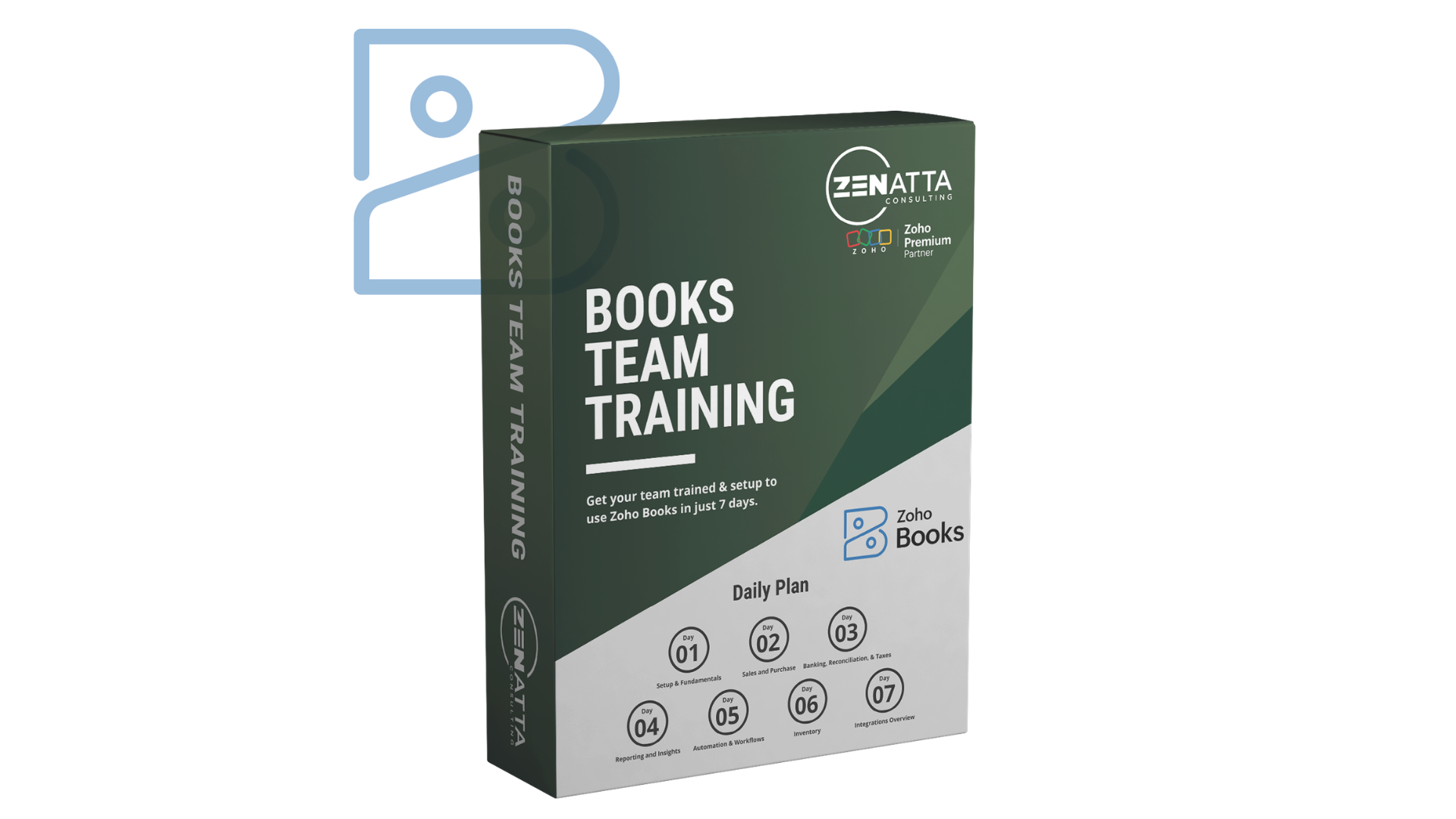
- ✓ Setup, organization profile, and chart of accounts
- ✓ Invoices, estimates, bills, and expense tracking
- ✓ Banking, reconciliation, taxes, and reporting
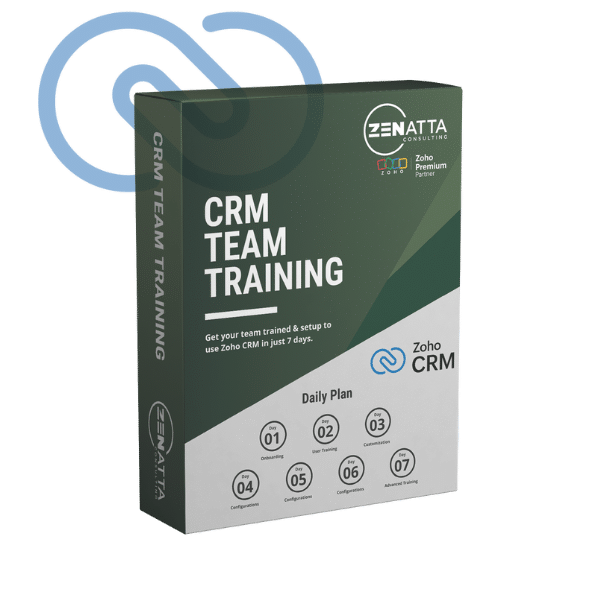
- ✓ Administrator setup and training (7 days)
- ✓ Onboarding, customization, and configuration
- ✓ Workflow rules, blueprints, and approvals
- ✓ Canvas, sandbox, and advanced scripting
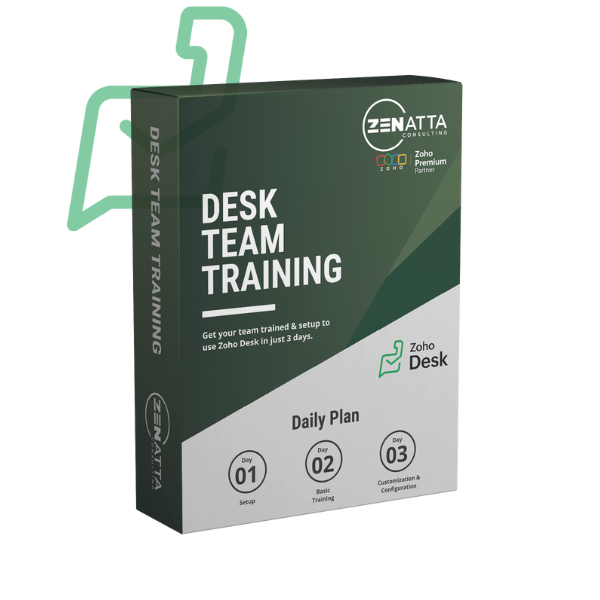
- ✓ Setup, basics, customization, and automation
- ✓ SLAs, blueprints, skill-based ticket routing
- ✓ Knowledge base and customer self-help setup

- ✓ Campaigns and Marketing Automation
- ✓ Zoho Forms and Zoho Social
- ✓ Journeys, drip campaigns, form building, and social
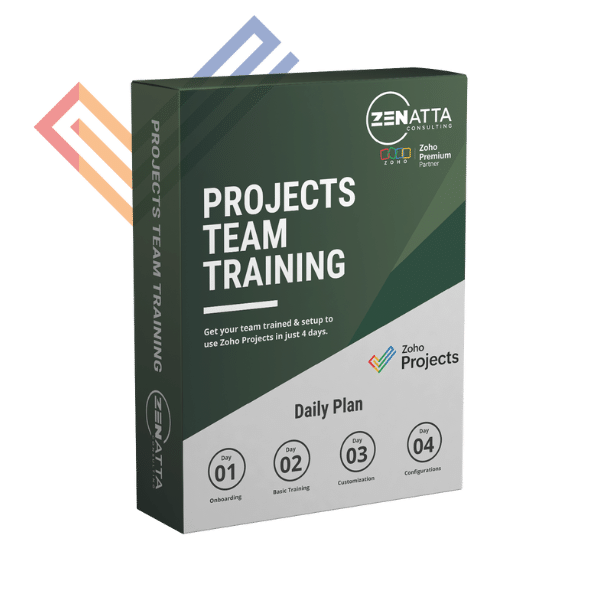
- ✓ Onboarding, basics, customization, configuration
- ✓ Blueprints, task automation, and macros
- ✓ CRM integration walkthrough included
Get every course for your entire team. One purchase, forever.
Get All-Access for $2,500What teams are saying
Real results from real teams.