
Action Spa Parts – Case Study

Action Spa Parts – Zoho CRM & ERP Integration Case Study Industry: Hot Tub Parts Distribution | Location: United States | Team Size: 25 Apps: Zoho CRM, Analytics, Desk, Writer Stronger Lead Organization Automated Dynamic Pricing Improved Reporting Visibility Executive Summary Action Spa Parts is a U.S.-based distributor of hot tub parts serving professionals across […]
The CRM Zen Show Episode 394 – PageSensei of the Conversation

News Highlights Zoho PageSense 3.0: A major rebuild featuring server-side experimentation, mobile tracking, and AI insights. Zoho One: Introducing CommandCenter to orchestrate customer journeys across multiple apps. Zoho Analytics: New AI Agents for BI workflows to assist with imports and dashboard creation. Zoho Books: Now supports direct 1099 e-filing to the IRS and UK corporation […]
The CRM Zen Show Episode 393 – Folders in the Sky with Zia

News Highlights Zoho WorkDrive 6.0: Phase 1 introduces Zia-powered content intelligence, media transcription, and advanced automation. Zoho Social Updates: New support for direct Google Business Profile creation and improved multi-time zone management. Zoho FSM Extension: A new Zoho Invoice integration bridges the gap between service and finance teams. API Re-Authentication: Critical re-authorization required for Google […]
Zoho Expense: Overview, Pricing & Workflow Guide (2026)
Why Businesses Use Zoho Expense Receipt Capture: Snap and store receipts instantly via desktop or mobile. Automated Approvals: Route expenses through configurable workflows. Policy Enforcement: Set reimbursement limits and submission rules. Accounting Sync: Automatically push approved expenses to Zoho Books. Watch the Full Zoho Expense Demo What Is Zoho Expense? Zoho Expense is an expense […]
How to Automate Deal Stages in Zoho CRM
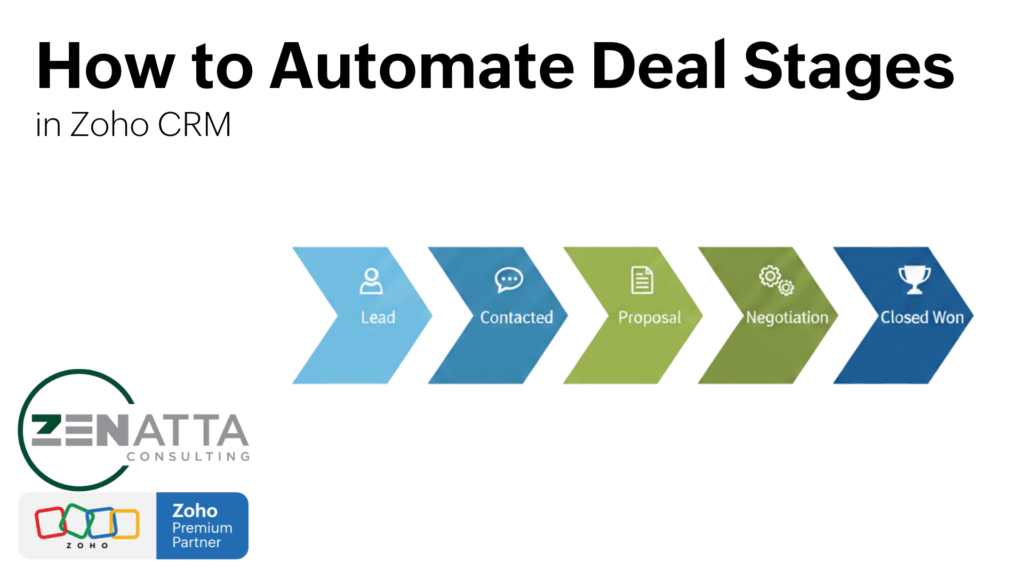
Pipeline Automation Essentials Trigger on Stage changes: Use an On Edit workflow rule on the Deals module when the Stage field is modified. Automate follow-up tasks: Create time-based tasks (e.g., +3 business days for “Needs Analysis” or +1 day for “Identify Decision Makers”). Send conditional alerts: Email leadership when a deal is Closed Won AND […]
The CRM Zen Show Episode 392 – Radio Killed the Dropdown Star

News Highlights Visual UI: New radio buttons and numeric sliders for a more intuitive CRM interface. Record Categories: Organize picklist values to simplify reporting and add visual stage bars to any module. API Efficiency: A deep dive into using COQL to fetch 2,000 records in a single request. Zoho News Zoho CRM: Radio Buttons and […]
Zoho WorkDrive 2026 Overview
WorkDrive Essentials Team Folders: The core of WorkDrive. Move away from “My Folders” to ensure collaborative continuity. Permissions: Use private team folders by default to prevent “content overload” and protect sensitive data. Zia AI: Instantly generate drafts (like policies or contracts) directly within your folder structure. Activity Logs: Gain granular visibility into every file edit, […]
Understanding Zoho CRM Deals
Why Use Deals? Revenue Tracking: Attach a dollar amount and closing date to every opportunity. Probability Weighted Pipeline: Automatically calculate “Expected Revenue” based on the current sales stage. Communication Hub: Link every email, call, and meeting to a specific revenue-generating event. Churn Reduction: Use historical “Stage History” data to identify where deals fall off and […]
Workqueue for Zoho CRM: Stop Module Hopping
Why Use Workqueue? Consolidation: View tasks, meetings, calls, and blueprint jobs on one page. Custom Queues: Pull in custom views from Leads, Deals, or any other module. Blueprint Visibility: See every record waiting for a “transition” (approval or next step) in one spot. Action-Oriented: Designed to help teams “clear the queue” based on specific business […]
Zoho CRM Custom Fields
Key Takeaways Group with Sections: Use the “New Section” tool to make records digestible for users. Context is King: Use specialized fields (Email, Phone, URL) to enable native UI features like click-to-dial. Mapping Strategy: Create fields in the Leads module first to leverage automatic conversion mapping. Clean Data: Use Rollup Summaries and Formulas to automate […]